Every game below runs as a plain HTML5 web page — no downloads, no installs, no launcher.
“Unblocked games” simply means browser games that load as ordinary web pages, so they work on school Chromebooks, library computers and locked-down office machines where app stores and downloads are disabled. PlayTundra hosts nothing to install: every title streams straight into the page through licensed HTML5 distribution, works on low-end hardware, and needs nothing but a browser tab.
A fair-play note: if your school or workplace blocks gaming sites on purpose, respect the policy and save these for your own time on your own network. We keep this catalog free of gore, gambling and adult content, so what you see in the grid is what you get.
Choosing a game that will actually run where you are
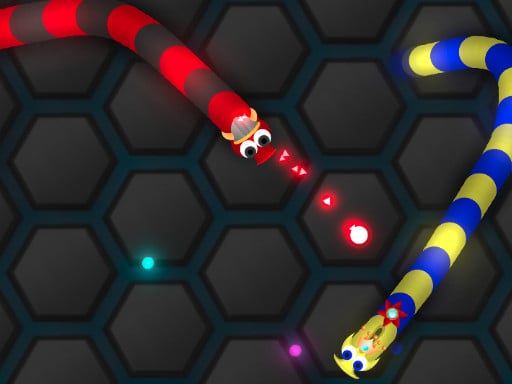
On a school or library machine the limits are usually the same three: no sound, a trackpad instead of a mouse, and older hardware. Every game on this page runs muted without hiding anything in audio. For a trackpad, start with mouse-only games — the snake games in .io & Multiplayer, the drawing puzzles in Puzzle & Brain, or ragdoll sports like Soccer Random and Basket Random that need one or two keys. For weak hardware, the 2D games load fastest; the 3D stunt racers are the heaviest titles we host.
What “unblocked” does and does not mean
These pages do not bypass anything. A game is “unblocked” only in the sense that it is an ordinary web page with nothing to install, so it works wherever ordinary web pages work. If a network filter blocks the game host, the page will open but the game will not load after you press Play — that is the filter doing its job, not a broken game, and the honest answer is to play on your own time on your own connection. We keep the catalog free of gore, gambling and adult content so that nothing here needs an age gate.
Two players, one keyboard
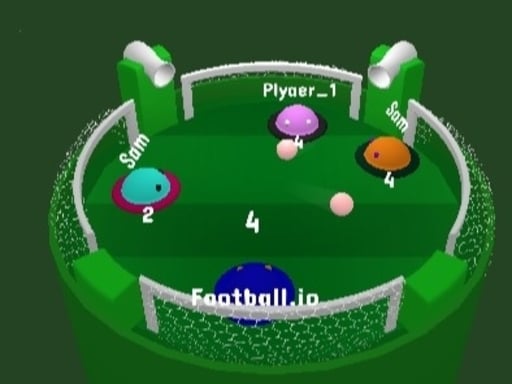
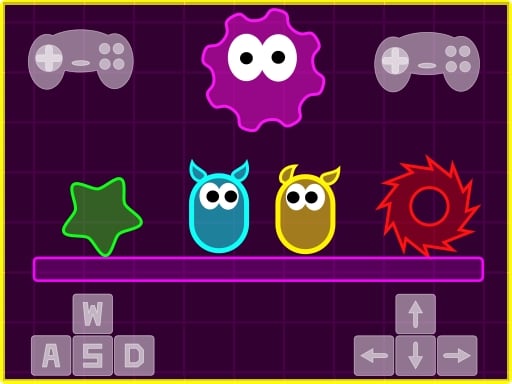
The most-played games on this page are the ones a second person can join by taking the other half of the keyboard: Soccer Random, 12 MiniBattles, Drunken Duel and Football Heads. The full list is in 2 Player; on a Chromebook, the arrow keys and WASD are far enough apart that two people can share without elbows.
Chromebook notes
Use the fullscreen button under the game rather than the browser's, so the keyboard stays with the game. If a game uses the space bar to jump, click inside the game once first, or the page will scroll instead. Progress in most titles lives in the tab until you close it, so keep the tab open between rounds.