Ultimate Strike
Tactical FPS rounds in your browser — aim, clear, win.
 Loads instantly · Free · No install
About Ultimate Strike
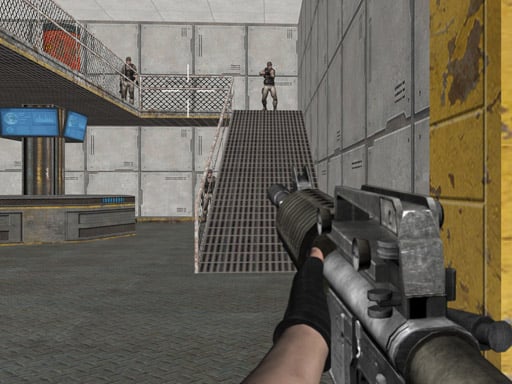
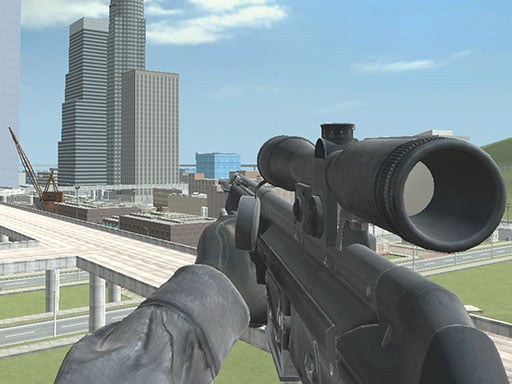
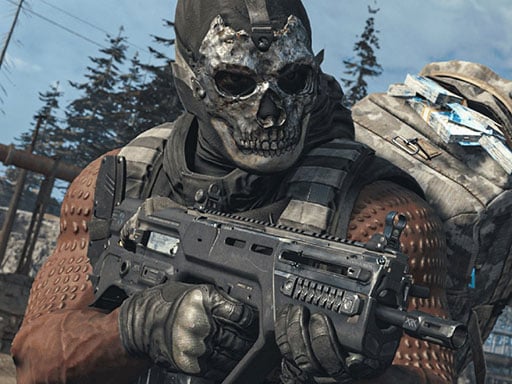
Ultimate Strike is a 3D multiplayer shooter with a big arsenal: twenty-seven different guns and intense battles across nine highly detailed maps. You spawn with a random weapons loadout, and your mission is to shoot all rival players in order to win.
The controls follow the familiar PC shooter layout — W A S D to move, the mouse to shoot and aim, R to reload and the number keys to switch weapons — so anyone who has played a shooter before will recognise the setup straight away.
How to play
Move with W A S D, jump with Space and crouch with C. Left mouse fires, right mouse aims down the sights and R reloads. The number keys 1, 2 and 3 switch weapons, and P opens the pause menu. Aim before you fire and reload during the gaps, not during a fight.
Controls
- W A S D — move
- Space — jump
- C — crouch
- LMB — shoot
- RMB — aim
- R — reload
- 1 2 3 — select weapon
- P — pause menu
Tips to win
- Keep your crosshair at head height while moving — pre-aim wins duels before they start.
- Wide-swing corners you expect to be held; slow-peek ones you don't.
- Losing a duel twice? Change weapons range: force fights where yours wins.
Ultimate Strike strategy guide
The full control set. Move with W A S D, jump with Space and crouch with C. The left mouse button shoots and the right mouse button aims. R reloads, P opens the pause menu, and 1, 2 and 3 select weapons. That is the whole list from the developer, and it follows the layout most PC shooters use.
Random loadouts. You do not pick your guns before a match: you spawn with a random weapons loadout drawn from an arsenal of twenty-seven different guns. That makes it worth being comfortable with more than one kind of weapon. When you spawn, check what you have in slots 1, 2 and 3 so you know what you are carrying before the first fight.
Know the maps. There are nine highly detailed maps. Learning where the open areas and the tight corners are on each one is how you stop being surprised. Spend your early matches paying attention to the layout as well as to the enemies.
Reload at the right moment. R reloads, and the worst time to do it is the start of a fight. Reload when a fight is over or when you are out of sight, so you go into the next one ready.
Use the aim button. The developer gives aiming its own button on the right mouse. Get into the habit of aiming before you shoot when you have the time, and see how it changes your results compared with firing straight away.
Move, then shoot. In most shooters, moving keeps you harder to hit while standing still makes it easier to line up a shot. Travel between safe spots quickly and pick your moment to engage rather than running into the open.
The goal. Your mission is to shoot all rival players to win, so staying alive matters as much as landing hits. Picking fights you can win is how you get there.
Ultimate Strike FAQ
How do I change weapons?
Press 1, 2 or 3. The number keys switch directly, which is faster than cycling when you are already in a fight.
How many weapons and maps does Ultimate Strike have?
There are twenty-seven different guns and nine detailed maps.
Do I choose my loadout in Ultimate Strike?
No. You spawn with a random weapons loadout, so it helps to be comfortable with more than one type of gun.
How do you win a match in Ultimate Strike?
Your mission is to shoot all the rival players in the multiplayer battle.