MiniBattles: 2–6 Players
The party version — up to six players, one keyboard.
 Loads instantly · Free · No install
About MiniBattles: 2–6 Players
This is 12 MiniBattles' bigger, louder sibling: the same one-button duel formula stretched to as many as six players crowded around a single keyboard. The mini-games scale with the player count, and so does the chaos — six hands on one keyboard is a party trick that never fails.
It's the ideal "everyone gather round" game for classrooms after the test, office breaks and family laptops. Losing to your little cousin here builds character.
How to play
Every player gets one key: C, N, P, Q, Left arrow and Right arrow for players one through six. That single button is your whole control in every minigame, so the skill is reading what the current game wants and timing one press rather than learning a layout.
Controls
- Player 1 — C
- Player 2 — N
- Player 3 — P
- Player 4 — Q
- Player 5 — Left arrow
- Player 6 — Right arrow
- One button per player, 2 to 6 players on one keyboard
Tips to win
- Physically assign keyboard zones before starting — elbow collisions decide games.
- The current leader is everyone's target in free-for-all rounds; play quiet when ahead.
- Rotate seats between matches; the middle keys have the worst ergonomics.
MiniBattles: 2–6 Players strategy guide
One key each is the design, and it is why this works with six people round a laptop. MiniBattles assigns player one C, player two N, player three P, player four Q, player five the Left arrow and player six the Right arrow. Nobody has to memorise a layout, nobody has a mechanical advantage, and a group can start playing within seconds of loading the page. Physically, the awkward part is fitting six hands on one keyboard — sort out who sits where before you start rather than during a round.
Every minigame is a different question with the same answer key. Because your button never changes, the entire skill is reading what the current game is asking for. Some rounds want you to press as fast as possible, some want a single precisely timed press, and some punish pressing at all until a specific moment. Taking half a second at the start of each round to work out which kind you are in wins more games than fast fingers.
When in doubt, press less. Mashing is the default instinct and it is right perhaps a third of the time. In timing-based rounds it is actively losing, because an early press often locks you into an action while the opportunity passes. If you cannot tell what kind of round you are in, watching your opponent's first press and reacting is usually better than leading with your own.
Play a set, not a round. Individual minigames are short and heavily influenced by luck, so one result tells you almost nothing. Agree on a first-to-ten before you start. It keeps the session going through the rounds nobody likes and makes the eventual winner feel earned rather than arbitrary.
Rotate seats if you are playing with more than two. The arrow keys and the letter keys are not equally comfortable to reach depending on where you are sitting, and in a long session the player crammed at the edge of the keyboard is at a real disadvantage. Swapping positions between sets keeps it fair and keeps everyone interested.
MiniBattles: 2–6 Players FAQ
How many players can play MiniBattles?
Two to six, all on one keyboard. Each player gets a single key: C, N, P, Q, Left arrow and Right arrow for players one through six.
How does MiniBattles decide who wins?
Each battle is an all-against-all contest for up to six players, and there is always only one winner. A counter keeps track of who has won the most battles, so over a session the player with the highest number of battle wins comes out on top.
What kinds of minigames are in MiniBattles?
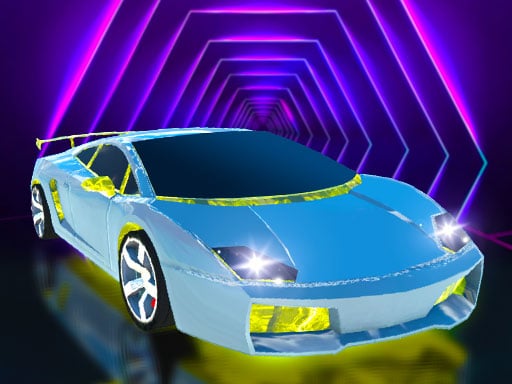
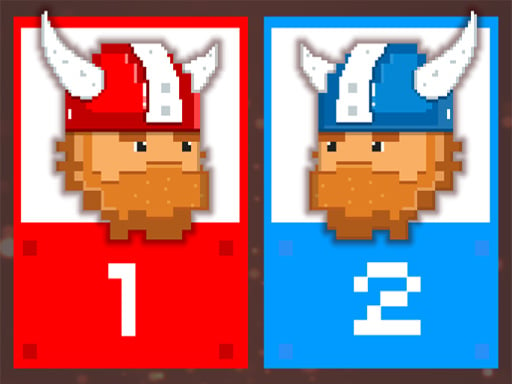
There are many minigames, among them Soccer, Cars, War Tanks, Sumo, Archers, Vikings and Spaceships. Whatever the game, each player still uses only their one assigned button, so the challenge is working out what the current minigame wants that single key to do.
Can you run a tournament with friends in MiniBattles?
Yes. The game is built for it: the battle counter shows who has won the most battles, which makes it easy to organize a tournament among friends. Agreeing on a target number of wins before you start gives the session a clear finish instead of an endless string of rounds.