Fly Car Stunt 5
Ten timed levels of flying cars through a futuristic space city.
 Loads instantly · Free · No install
About Fly Car Stunt 5
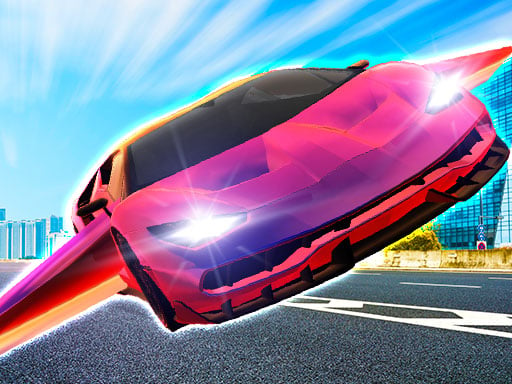
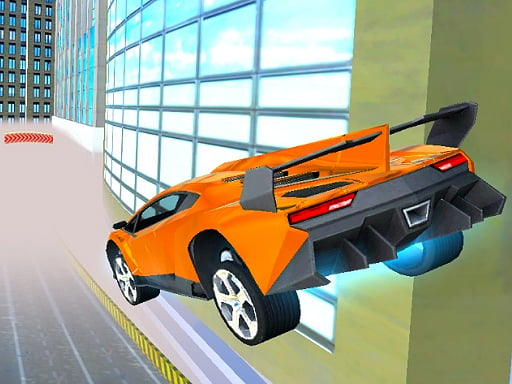
Fly Car Stunt 5 moves the series into a futuristic Space City and rebuilds the air physics to match. Six original flying cars handle noticeably better mid-air than earlier entries, which matters because all ten levels are races against the clock through floating obstacle courses rather than open sandboxes.
Nitro is the whole economy: spend it too early and you fall short of the next platform, hoard it and the timer beats you. Clearing levels unlocks the rest of the cars, and the two-player option turns the same ten courses into a head-to-head where both players fly the same gaps at once.
How to play
Choose single player or the 2 PLAYER option, then steer with your movement keys and hold nitro to cross long gaps. Race the timer through each of the ten levels — clearing them unlocks new flying cars. Press R to restart a level the moment a run is clearly lost rather than limping to the finish.
Controls
- Player 1 — Arrow keys move, N nitro, B look back
- Player 2 — W A S D move, T nitro, C look back
- R — restart level
Tips to win
- Line the nose up with your landing platform before you spend nitro, not after.
- Short nitro taps steer better in the air than one long burn.
- In two-player, take the safe low line while your rival gambles on the high one — finishing beats spectacle.
Fly Car Stunt 5 strategy guide
Keys for two. Player 1 flies with the arrow keys, N for nitro and B to look back. Player 2 uses W A S D, T for nitro and C to look back. R restarts the current level. Pick the 2 PLAYER option from the menu and both of you take on the same course at the same time, which makes every level a direct comparison.
Ten levels against the clock. Fly Car Stunt 5 has 10 levels set in a futuristic Space City, and each one is a race against time. Clearing levels unlocks new flying cars from a set of six originals. The goal on every course is simple: fly over the obstacles and reach the end before the timer runs out.
Nitro is a resource. The game's own advice is to use your nitro wisely, and it is the single most important habit to build. Firing it the instant you leave the ground often sends you past the line you wanted; saving it too long leaves you short of the next section. Get your car pointed where you want to go first, then spend the boost to carry you there.
Trust the air control. The physics were rebuilt to give much better control of the vehicle in the air, so small corrections while flying actually work. Make gentle inputs rather than holding a direction down, and watch how the car responds before adding more. A calm, steady flight path is almost always quicker than a dramatic one that needs rescuing halfway through.
Restart early, learn the course. When a run is clearly lost, press R rather than finishing it. Every attempt teaches you where the obstacles sit, and the second or third run through a level is usually much smoother than the first. In two-player, the winner is whoever flies cleanly, so a steady line beats a risky shortcut that ends in a restart.
Fly Car Stunt 5 FAQ
Can you play Fly Car Stunt 5 with 2 players?
Yes. Choose the 2 PLAYER option to race a friend on the same keyboard, or play the levels on your own.
How many levels are in Fly Car Stunt 5?
There are 10 levels, each a race against time through a futuristic Space City. Clearing them unlocks new flying cars.
How many flying cars are in Fly Car Stunt 5, and how do you unlock them?
There are six original flying cars, new to this entry in the series. You unlock them by racing against the time and clearing the ten levels set in the futuristic Space City. If a level feels out of reach, replaying an earlier one cleanly is a good way to learn the air control before trying again.
Which key is nitro in Fly Car Stunt 5, and when should you use it?
Player 1 fires nitro with N and Player 2 with T. The game advises using nitro wisely to fly over obstacles: point the car toward where you want to land first, then boost to carry it there. Spending it too early can leave you short later in a timed level. Press R to restart a lost run.