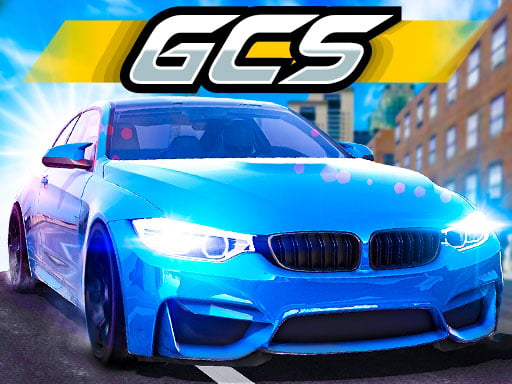
Grand City Stunts
Stunt races through a big city — solo or 2-player split.
 Loads instantly · Free · No install
About Grand City Stunts
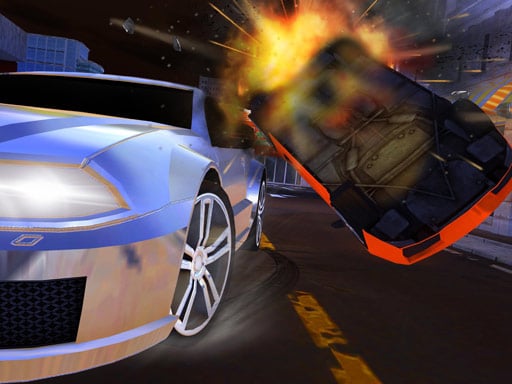
Grand City Stunts stretches a whole city into one long stunt-and-race adventure: mega ramps between rooftops, checkpoint races against CPU rivals, and enough vertical madness to keep the camera busy.
The headline feature is the same-keyboard two-player mode — you and a friend racing the same course against the CPU field turns every session into a shouting match, in the good way.
How to play
Player 1 drives with W, A, S and D, with F for nitro, T to look back, R to respawn and Space for the handbrake. Player 2 drives with the arrow keys, with K for nitro, L to look back, O to respawn and right Shift for the handbrake. CPU racers join every race alongside you, and you need to finish first to take the reward.
Controls
- Player 1 — W A S D drive, F nitro, T look back, R respawn, Space handbrake
- Player 2 — Arrow keys drive, K nitro, L look back, O respawn, R-Shift handbrake
- CPU racers join every race
Tips to win
- Checkpoints forgive creative routes — rooftops are often the straight line.
- Nitro on exit, never entry: speed into a ramp edge is a spectacular way to lose.
- In 2-player, trade who leads: the follower drafts and learns the course free.
Grand City Stunts strategy guide
You have to win, not merely finish. Grand City Stunts awards its rewards for first place, and the CPU racers turn up in every event whether you are racing alone or against a friend. That makes the races less forgiving than they look: a clean second place earns nothing. It is worth taking one risky shortcut that might win over a safe line that certainly will not.
Learn the respawn key and use it early. R for Player 1 and O for Player 2 put you back on the road, and the mistake most players make is treating respawn as an admission of defeat. In a city built vertically, a car that has slid off a rooftop is not coming back — the seconds spent trying to drive out of a bad position are worse than the seconds a respawn costs. Respawn the moment a situation is clearly unrecoverable.
Nitro on exit, never on entry. F and K are enormous, and using them as you approach a ramp or a corner sends the car past where it needed to be. The correct pattern is to get the car turned and pointed down the next straight, then boost. This matters more here than in most racers because the consequences of overshooting are often a multi-storey drop rather than a patch of grass.
The handbrake is for rooftops. Space and right Shift give you a way to scrub speed quickly without the car diving forward the way ordinary braking does, which is exactly what you need when you land on a roof with a short run-off. On the ground it is rarely the right tool; up high it is frequently the difference between a completed route and a respawn.
In two-player, take turns leading. The follower gets to watch the leader's line for free, which is a real advantage on an unfamiliar route. Trading the lead across races means both players learn the course rather than one player simply knowing it better, which keeps the CPU field — the actual opponent — in play for both of you.
Grand City Stunts FAQ
Can two people play on one keyboard?
Yes. Player 1 uses W A S D with F for nitro and Player 2 uses the arrow keys with K for nitro, so both fit on one keyboard.
Do I race against the computer as well?
Yes. CPU racers enter every race alongside you and your friend, and you need to finish first to receive a reward.
What is the respawn key for?
Putting your car back on the road after a fall. In a vertical city it is usually faster to respawn than to try to drive out of a bad position.