Two-Player Games on One Keyboard: The Tested List
"Two player" means three different things in browser games, and only one of them is what most people are looking for when they search it: two people, one keyboard, right now. This list is only that kind. Every game below was played by two of us on a single laptop keyboard, and the keys quoted are the ones on each game's own page — which we check against the developer's listing, not against memory.
The list is grouped by how the keyboard gets split, because that is what decides whether a game works on the machine in front of you. A one-button game works on anything with a keyboard, including a cramped Chromebook. A WASD-versus-arrows game needs a full-width keyboard where two pairs of hands are not fighting for the same space. Mouse games only work for two if you take turns.
One button each — works on any keyboard
These are the games that make a shared keyboard feel fair: each player gets exactly one key, so there is no advantage to knowing the layout. They are also the easiest to hand to a younger sibling.
| Game | Player 1 | Player 2 | What the button does |
|---|---|---|---|
| Soccer Random | W | Up arrow | Jump and swing the leg; first to five goals |
| Basket Random | W | Up arrow | Both your players jump and flail; time it to catch, then to shoot |
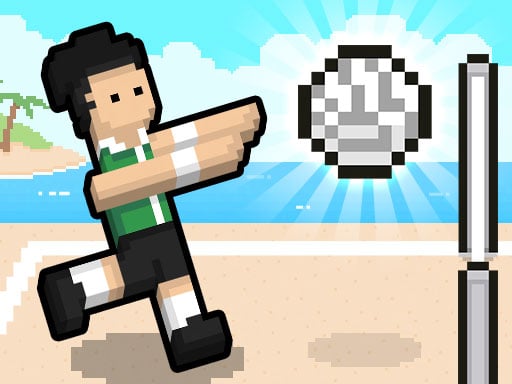
| Volley Random | W | Up arrow | Jump and swing at the ball over the net |
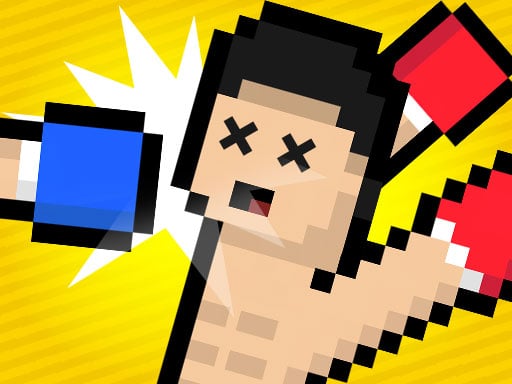
| Boxing Random | W | Up arrow | Swing forward; the head is the scoring target |
| Drunken Duel | W | Up arrow | Fire; recoil swings your aim and your body |
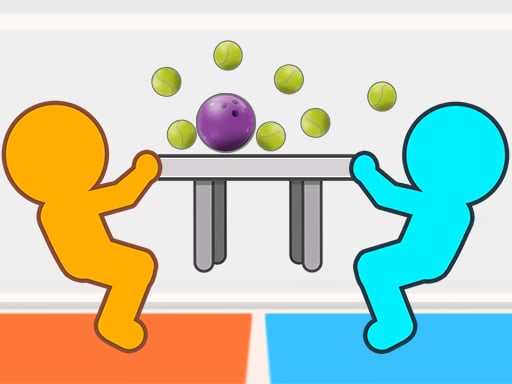
| Tug The Table Classic | Up arrow | W | Tug — note the sides are swapped compared with the games above |
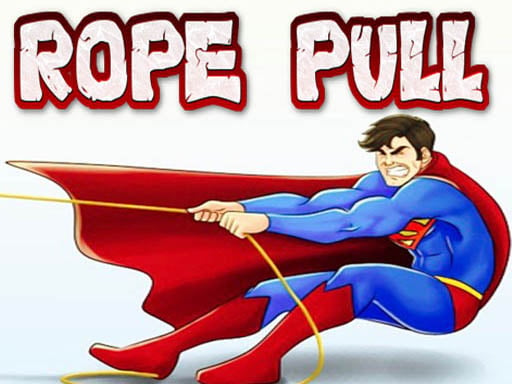
| Rope Pull | W | Up arrow | Mash to haul the other player toward you |
| 12 MiniBattles | A | L | Changes every mini-game: jump, shoot, push, swing |
The four Random games are made by the same studio and share one control scheme, so once you have taught someone Soccer Random they already know the other three. Tug The Table is the odd one out — Player 1 is on the Up arrow and Player 2 on W — which catches people out when they come to it from the Random games. 12 MiniBattles puts the two keys at opposite ends of the keyboard (A and L), which is the most comfortable split for two adults on a small laptop.
Three or more players
Two games in the catalog seat more than two people on the same keys. MiniBattles: 2–6 Players gives one key per player — C, N, P, Q, Left arrow and Right arrow for players one to six — and each of its mini-games interprets that single key differently, so a six-player round is mostly people shouting about what the button does this time. Egg Challenge is the only three-player game we list: W, J and the Up arrow, one throw per press, and the basket is the same for everyone. On a Chromebook, three players is the physical limit; the fourth person cannot reach a key without leaning over someone.
WASD versus the arrow keys — needs a full-width keyboard
This is the classic split and it works well on a desktop keyboard or a 15-inch laptop. On a small Chromebook the arrow keys are half-height and tucked under the right Shift, so the arrow-key player is at a real disadvantage in anything that needs fast direction changes — worth swapping sides between rounds.
| Game | Player 1 | Player 2 | Notes |
|---|---|---|---|
| Table Pong | W A S D | Arrow keys | Where the ball hits your paddle decides the angle |
| Drunken Boxing | Arrow keys | W A S D | Sides are reversed compared with the rest of this table |
| Boom Duello | W A S D, R to throw | Arrow keys, P to throw | Place bombs ahead of where your rival is going |
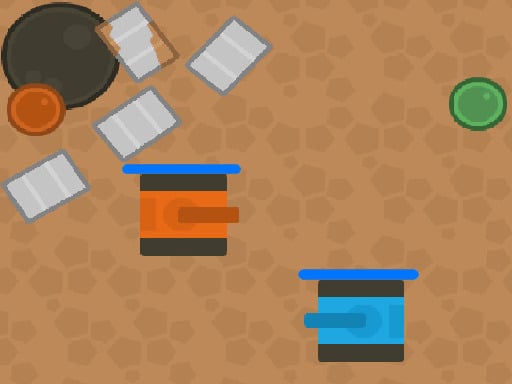
| Tanks of Liberty | W A S D, Space fires | Arrow keys, Enter fires | Co-op, not versus: you both defend the Eagle base |
| Tank War Two Player | A W S D, E fires | Arrow keys, 0 fires | Fire is on the number-row 0, not a numpad |
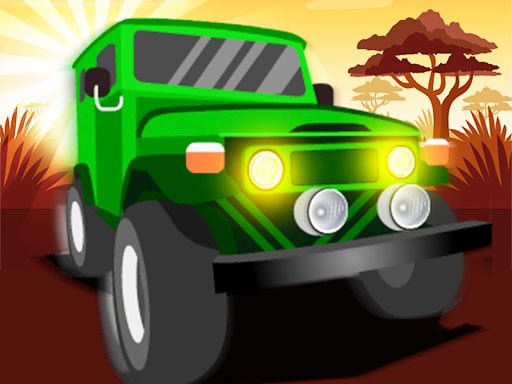
| Africa Jeep Race | W A S D, T for power-ups | Arrow keys, P for power-ups | Turn Player 2 on in the vehicle menu first |
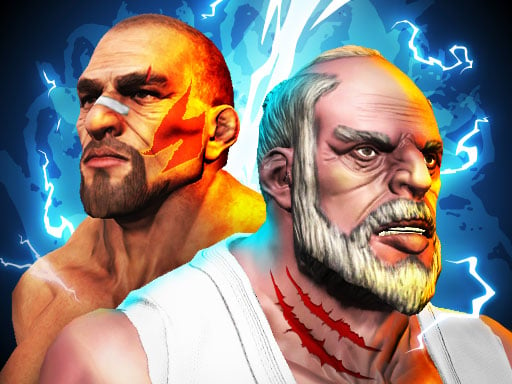
| Fighter Legends Duo | W A S D; F punch, G kick, H special | Arrow keys; K punch, L kick, J special | Three attack keys each — the most keys of any game here |
| Stick Duel: Medieval Wars | A / D and jump | Arrow keys | Your weapon swings with your movement |
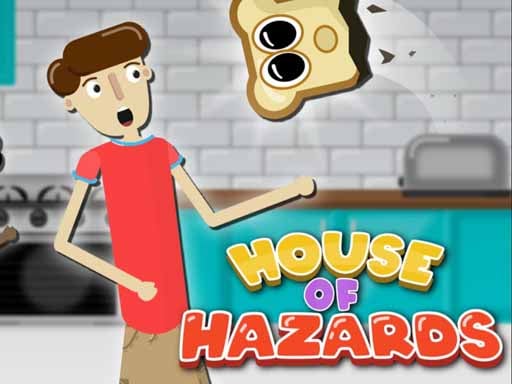
| House of Hazards Online | A / D move, W jump, S crouch | J / L move, I jump, K crouch | Player 2 is on J-L-I-K rather than the arrows |
Two of these break the pattern in ways that matter. Drunken Boxing puts Player 1 on the arrow keys, the reverse of almost everything else, so decide who is "Player 1" by where they are sitting rather than by the menu. House of Hazards keeps Player 2 on the letter keys J, L, I and K instead of the arrows, which is actually the more comfortable split on a small keyboard because both players' hands stay on the main block. Tanks of Liberty is the one cooperative game in the group: you are not shooting each other, you are both protecting a base, and the second player fires with Enter — on a Chromebook that is the same wide Enter key, so no problem there.
Mouse and touch games you take turns on
A mouse cannot be shared, so these work as two-player games only if you alternate — which suits them, because they are turn-based anyway. Checkers and Backgammonia are the straightforward ones: click a piece, click where it goes, hand the trackpad over. Air Hockey Glow is the exception that works on a touch screen with two fingers at once, one paddle each; on a laptop without touch it is a single-player game against the computer. Medieval Battle 2P is a placement game: each player spends a budget positioning soldiers with the mouse on their half of the field, then the battle plays out on its own, so "two player" here means two people planning in turn.
Three things that go wrong on a Chromebook, and the fix
- Space bar scrolls the page instead of firing. This happens when the game frame does not have keyboard focus. Click once inside the game before the first round — every game on this site loads only after you press Play, so the click on Play usually does it, but if the page scrolls, click the game again.
- Two keys pressed at once and one of them drops. Cheap keyboards cannot register some key combinations simultaneously. The one-button games above never hit this; if a WASD-versus-arrows game keeps eating one player's input, swap to a one-button game rather than fighting the hardware.
- Full screen loses the keyboard. Use the full-screen button under the game, not the browser's own full-screen mode, so keyboard focus stays with the game frame.
What is deliberately not on this list
Games whose second player is online rather than beside you, games that only offer "two player" on a touch screen, and games whose distributor listing gave no usable control information. Several popular titles fall into that last group; we would rather leave a game out than guess the keys. The full two-player category, including online and touch-only titles, is at 2 Player.