Every Puzzle Game on PlayTundra, Sorted by How It Plays
The puzzle section holds 27 games, and the word "puzzle" covers very different things across them. Sokoban Master is a keyboard game with an undo key and a level editor. Maze Tower is a two-player platformer with punch and run keys. Pixel Art: Color by Numbers asks for nothing but a left click per cell. Between them sit card-flipping memory games, an Italian checkers board, a marble shooter and two games where whatever you draw becomes part of the level.
This page sorts all 27 by what you actually do on each level: plan a route, set something in motion, match like with like, recall or calculate, outplay an opponent, react in time, or simply fill in a picture. Each group has a table with the input the developer lists and the goal the developer describes. The control references on our game pages were matched against each developer's listing using the game's distribution ID, the 32-character code the game is served from, rather than by title. Where our page and the developer listing disagree, this guide follows the developer listing and says so in the row.
1. Plan-the-route logic puzzles
These seven games have no opponent and, according to their developers, nothing chasing you. Each level is a fixed problem with a correct order of moves, and the challenge is seeing that order before you commit.
| Game | Input the developer lists | Goal and structure (per the developer) |
|---|---|---|
| Sokoban Master | Arrow keys or W A S D to move, Z to undo a move. Mobile: tap the board or use the on-screen D-pad | Push every crate onto its target; crates can only be pushed, never pulled. Difficulty levels run from beginner-friendly upward; stars for completing levels efficiently, a move tracker, achievements and a built-in Level Editor |
| Worm Path | W A S D or arrow keys | Guide the worm through a maze to the exit, pushing blocks and avoiding obstacles without getting stuck; each level brings a new layout |
| Rolling Cubes | "Mouse click or arrows"; the description names a Swipe Mode and an Arrow Mode with on-screen directional buttons | Roll the cube across tricky grids, deal with mechanical hazards and reach the gold key to unlock the next level |
| Cocoon Crossing | Mouse or touch: drag a caterpillar's head or tail | Bring each caterpillar to the cocoon of its own colour. Two cannot share a tile on the same level, but at a crossing one goes over a bridge and the other under a tunnel. Rocks, mud, thorns, ice and one-way gates; 140 handcrafted levels, an endless Zen mode, a daily puzzle and collectible butterflies |
| Parking Puzzle | Mouse click or tap | Move the other cars so the target car can escape the parking area, without blocking the path you need |
| Nexus 3D | Left click (or tap) to rotate a neon wire | Rotate nodes until energy flows from the power source to every target; an unlimited number of procedurally generated levels with gradually rising difficulty |
| Paletto | Click a painter object to colour its column | Recreate a target colour pattern by using the colouring mechanisms in the correct order; patterns become more complex as you go |
Keyboard or mouse?
Only two games in this group are keyboard-first. Sokoban Master and Worm Path share almost the same layout, W A S D or the arrows, and both are about pushing blocks around a grid. The difference is the safety net: Sokoban Master's developer lists Z as an undo key, while Worm Path's developer lists no undo key at all, so a block pushed into a corner there is a reason to restart. Sokoban Master also has the most to do outside the levels themselves, with stars, achievements and a level editor.
Rolling Cubes is the one to read carefully. Its developer's instructions say "mouse click or arrows", and its description explains the two control options as Swipe Mode and Arrow Mode, where Arrow Mode means classic on-screen directional buttons. The developer listing does not say the keyboard's arrow keys roll the cube, so treat it as a mouse or touch game that happens to have arrow buttons on screen. The other four games in this group are mouse or touch only.
Which ones keep going
If you want a puzzle that does not run out, Nexus 3D is the only game here whose developer says its levels are procedurally generated without limit. Cocoon Crossing has a fixed 140 handcrafted levels but adds an endless Zen mode and a daily puzzle on top. Paletto is the one where order is the whole puzzle: the developer's goal is to use the colouring mechanisms "in the correct order", so the same clicks in a different sequence give a different board. Parking Puzzle is the same idea applied to traffic, with one car as the target.
2. Physics and drawing puzzles
In these four, you set something up and then the game's physics plays it out. You are judged on what happens after your input, not on the input itself.
| Game | Input the developer lists | Goal (per the developer) |
|---|---|---|
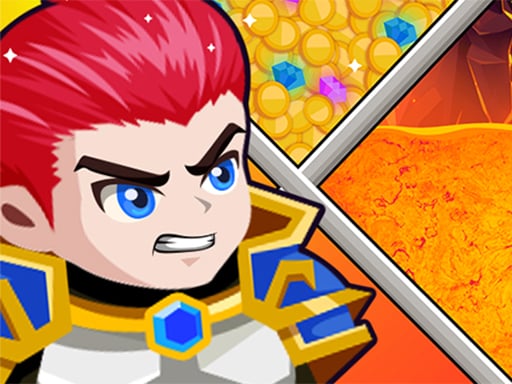
| Hero Rescue Puzzle | Mouse control | "Shoot the sticks" to save the princess, kill the goblins and get the treasure |
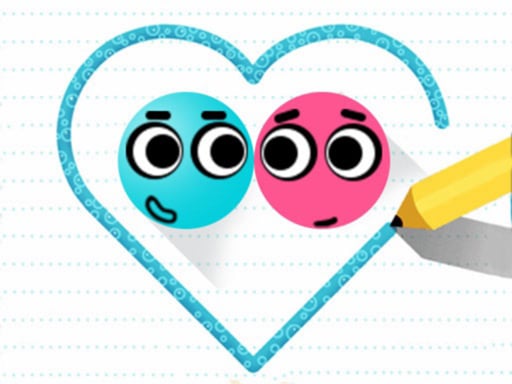
| Love Balls 2D | Use the mouse to play | Draw lines or shapes so the two balls bump into each other |
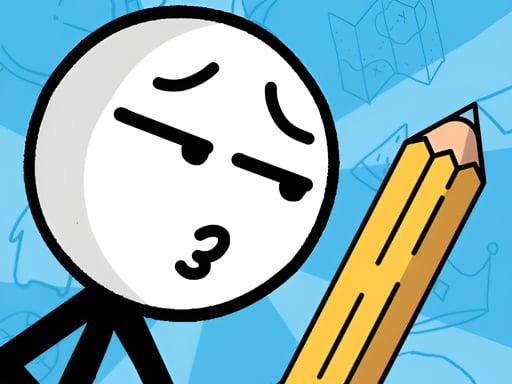
| Save the Dummy | PC: use the mouse to draw. Mobile: touch the screen to draw | Use drawing to solve each puzzle and save the stickman; the developer mentions many animated scenarios |
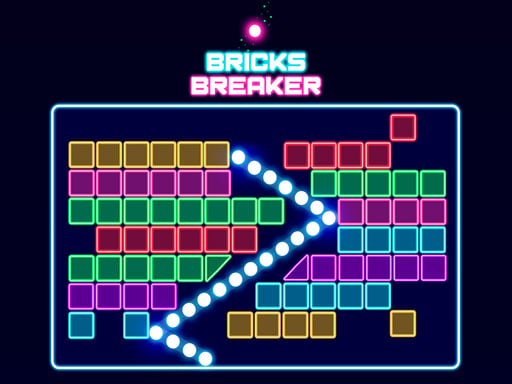
| Bricks Breaker | Click in the direction you want to launch the balls, or use the slider | Every brick has a number and breaks at 0; clear all bricks to finish a level and do not let them reach the bottom of the screen. Over 3,000 levels |
A note on Hero Rescue Puzzle: our game page describes chambers of lava and water and a hero who must reach the gold. The developer listing does not mention lava or water. It names a princess to save, goblins to kill and treasure to collect, and calls the pieces you remove sticks rather than pins. The only input it lists is the mouse. This guide follows the developer listing.
Love Balls 2D and Save the Dummy are both draw-to-solve games, but the goal points in opposite directions. In Love Balls 2D your drawing has to bring two balls together. In Save the Dummy it has to keep a stickman safe. The developer of Save the Dummy does not say what threatens the stickman in each level, so this page does not either. Bricks Breaker is the only aiming game in the group, and its developer spells out the lose condition: bricks reaching the bottom of the screen. With more than 3,000 levels it also has the largest stated level count of any puzzle game here. Hero Rescue Puzzle and Save the Dummy also appear in our mouse-only games guide.
3. Matching, merging and placing
These five games use the oldest puzzle rule there is, put like next to like, but each one asks for a different physical action to do it.
| Game | Input the developer lists | Goal and structure (per the developer) |
|---|---|---|
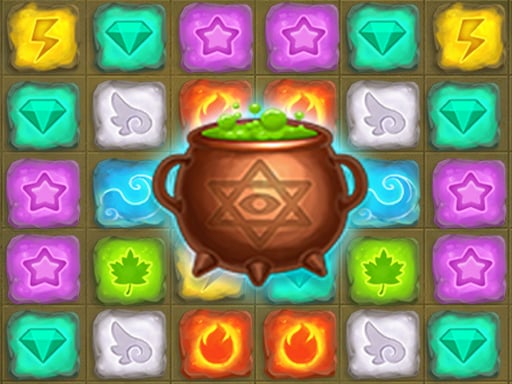
| Alchemist Lab: Jewel Crush | Swipe to match gems | Match 3 to clear; matching 4 or 5 creates bonuses; match a bonus with a gem to activate it, and bonuses with each other to make the philosopher's stone. More than 100 levels |
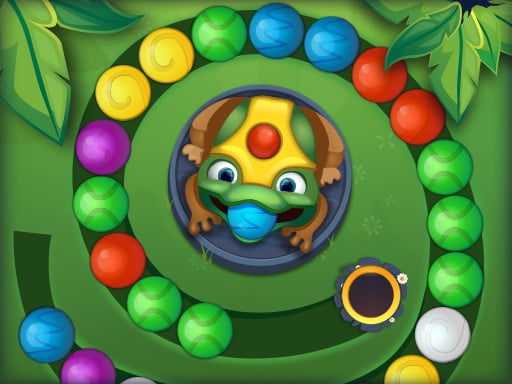
| Zumba Mania | Tap to shoot; tap the frog to swap the current and next marble | Match 3 or more marbles of one colour and destroy the whole chain before it reaches the end; power-ups; aim for three stars on every level |
| IcyMatch | Connect more than 3 of the same type | Numbers 1 to 5 on a snowy board; each match of 3 or more raises your score. The developer pitches it at kids |
| Mahjong Tiles Match | Mouse click or tap | Match identical tiles to clear the board, planning moves so each level can be completed |
| PixelBlock | Mouse: drag and place | Classic block puzzle: drop blocks and clear lines, which smashes the block art behind the board |
The action is what separates them. Alchemist Lab is a swap game, IcyMatch has you connect a chain, Mahjong Tiles Match is pairs, PixelBlock is about where a shape fits rather than what colour it is, and Zumba Mania is the only one where you aim and fire. IcyMatch's developer is not quite consistent about the minimum: the instructions say connect "more than 3", while the description says each match of 3 or more counts. Alchemist Lab has the most layered bonus system, three tiers up to the philosopher's stone, and Zumba Mania is the only one that grades each level, with three stars as the target. The developer of PixelBlock gives no level count, and the developer of IcyMatch describes a score rather than levels, so both read as endless score games.
4. Memory, maths, words and observation
These five test something you could practise away from a screen: arithmetic, recall, vocabulary or a sharp eye.
| Game | Input the developer lists | Goal (per the developer) |
|---|---|---|
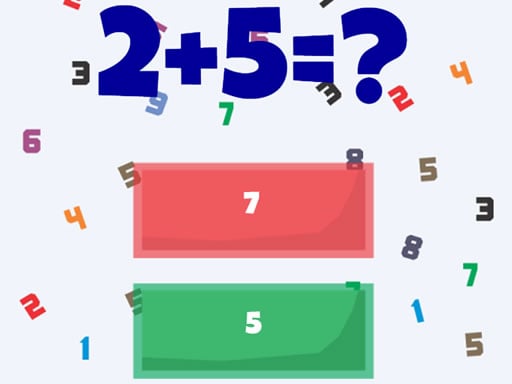
| Correct Math | Tap on the screen | Addition and subtraction questions with three answers offered; click the correct one within a short thinking time and earn as many points as you can |
| Math Squares | Match the card of X with the card of X×X | A memory card game where a number pairs with its square; harder squares are broken down into factor multiplications |
| Mischievous Pairs | Mouse click or tap | Flip cards and clear the board before time runs out; pairs or triples across hundreds of levels; coins for Hints and Time Refills. Local two-player mode: keep your turn by finding matches within a 10-second timer, with surprise Shuffle Time |
| Word Master Puzzle | Use the mouse | Find hidden words and complete levels; the developer gives no word lengths or level counts |
| Difference Find Master | Use the mouse | Compare two nearly identical images and find every difference before time runs out; differences can be anywhere in the picture |
Three of these have a clock according to their developers: Correct Math with its short thinking time, Mischievous Pairs and Difference Find Master. The developers of Math Squares and Word Master Puzzle mention no timer. Math Squares and Mischievous Pairs are both flip-two-cards memory games; the difference is that Math Squares never pairs a card with its twin, so you need the times table as well as the positions. Mischievous Pairs is the only game in this group with a second player, taking turns on one device, and it is also listed in our mouse-only guide. Correct Math is the narrowest in scope: addition and subtraction only, three choices per question.
5. Board games against an opponent
| Game | Input the developer lists | Opponents and rules (per the developer) |
|---|---|---|
| Dama Stars | Mouse click or tap | Italian checkers: jump the opponent's pieces and promote to kings. Solo against the computer with three difficulty levels, or head-to-head with a friend |
| Dominoes Classic Duel | Mouse click or tap | A classic 28-domino set with 0 to 6 dots per half; 7 dominoes dealt to each of two players, the rest kept in reserve; whoever holds the double six starts. Play against the computer or an opponent online |
If two people want to play on one device, Dama Stars is the one in this pair. The developer of Dominoes Classic Duel describes its human opponent as an online multiplayer mode, not a shared screen. The developer's rules text for Dominoes stops partway through, after the opening move, so this guide does not quote how a blocked round is scored. More turn-based board games for two at one keyboard, including checkers and backgammon, are in the two-player, one-keyboard guide.
6. Reflex games on the puzzle shelf
| Game | Input the developer lists | What the developer says |
|---|---|---|
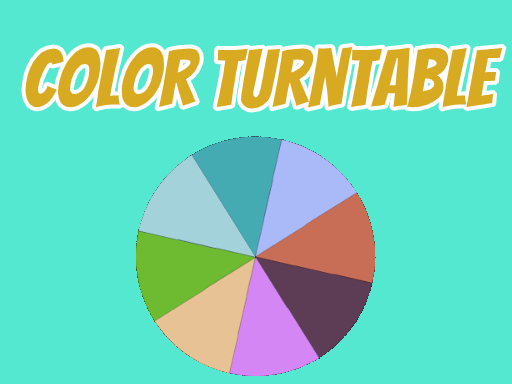
| ColorTurntable | Click to play | A colourful game that tests your eyesight and hand speed; compete with your friends |
| The Panda Brother | Click to play | Panda brothers show kung fu and challenge your right hand and left hand |
These are the two puzzle games with the shortest developer listings, and both are about timing rather than planning. For The Panda Brother, the developer lists click only. Our game page currently mentions keyboard keys as an option, and the developer listing names none, so the developer lists no keys. For ColorTurntable, our page describes a spinning wheel of colours; the developer listing does not describe the mechanic beyond eyesight and hand speed. Neither developer gives a level count. Both are single-click games and work with a mouse or a finger.
7. A two-player platform maze
| Game | Keys the developer lists | Modes and goal (per the developer) |
|---|---|---|
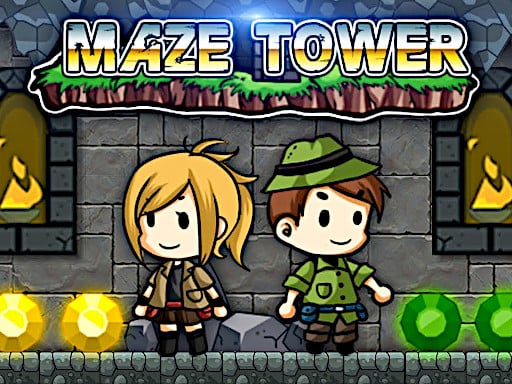
| Maze Tower | P1: W A S D move, F punch, R run. P2: arrow keys move, L punch, P run. Both players can double jump and wall jump | Two adventurers pass 16 labyrinths to collect precious stones from towers guarded by traps and monsters. Single-player mode, two-player adventure mode, and a two-player racing mode against a friend |
Maze Tower is the only puzzle game here that needs two people's hands on one keyboard at the same time, and the only one with jump, run and punch inputs. Our game page presents it as co-operative; the developer listing also offers a single-player mode and a racing mode where the two of you compete. The developer notes that double jumps and wall jumps are needed in the levels. Player 1 sits on the left of the keyboard and Player 2 on the arrows, the same split covered in the two-player, one-keyboard guide.
8. Colouring
| Game | Input the developer lists | What the developer says |
|---|---|---|
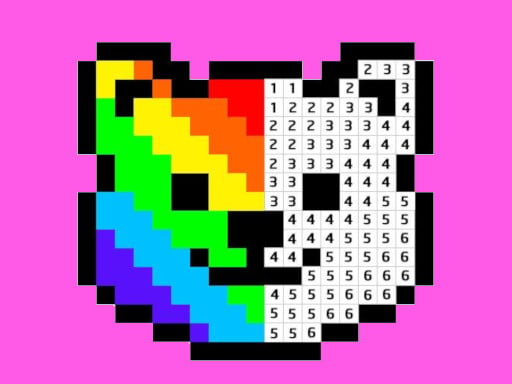
| Pixel Art: Color by Numbers | Left click to draw a pixel; hold for 2 seconds and drag to draw multiple pixels | Colour by the right numbers to finish a pixel artwork; many free pictures, suitable for adults and kids, and the developer says no skill is needed |
This is the one game on the puzzle shelf with no problem to solve: each number maps to a colour and the picture appears as you fill it. The detail worth knowing is the two-second hold before dragging, which the developer lists and which is the only way to paint more than one cell per click.
The whole section at a glance
- Keyboard games: Sokoban Master, Worm Path and Maze Tower. Every other puzzle game here is played with a mouse, a trackpad or a finger, with Rolling Cubes' on-screen arrow buttons as the edge case.
- Two people, one device: Maze Tower (both at once on one keyboard), Mischievous Pairs and Dama Stars (taking turns).
- Against someone online: Dominoes Classic Duel.
- Largest or unlimited supply of levels: Nexus 3D (procedurally generated), Bricks Breaker (over 3,000), Cocoon Crossing (140 plus Zen mode and a daily puzzle), Alchemist Lab (over 100).
- No clock mentioned by the developer: the route puzzles in group 1, Math Squares, Word Master Puzzle and Pixel Art.
- A clock the developer does mention: Correct Math, Mischievous Pairs, Difference Find Master.
How this page was put together
This page does not rank or score the games, and none of it comes from playing them. It lines up facts already on the 27 game pages, the input each one takes, its goal and its modes, after those facts were checked against each developer listing by distribution ID. Where our page says more than the developer listing, as with Hero Rescue Puzzle's lava, ColorTurntable's wheel and The Panda Brother's keys, this guide follows the listing and says so. Each embed was re-checked from a server in the United States on the date shown at the top.