Mouse-Only Browser Games: No Keyboard Needed
Most lists of "easy browser games" quietly assume a full keyboard. That is a problem if you are on a tablet, on a laptop with a sticky key, using one hand, or sitting in a lab where the keyboard is locked behind a cover. This list is only games whose control reference on our site lists a mouse, trackpad or touch input and no required keys. Where a game also accepts keys, we say so; where the mouse is optional rather than the main input, the game is not here.
We have grouped the games by what the click actually does, because that decides how a game feels on a trackpad. An aim-and-release shot works well on almost anything. A game where you steer continuously with the pointer is easier with a real mouse. A drag-and-drop puzzle is at its best on a touchscreen.
How we built this list
Every game page on PlayTundra has a control reference, and for each game we match that reference against the developer's own listing using the game's distribution ID — the same 32-character code the game is served from — rather than matching on a title, which we learned the hard way can point at the wrong game. We then filtered the whole catalogue for games where every listed control is a pointer or touch action. Each embed on this list was re-checked on the day of publishing from a server in the United States and returned normally. We did not time frame rates or measure input lag, so this is a list of what the controls are, not a performance ranking.
Aim and release: one careful click per shot
These are the most trackpad-friendly games on the site. You set up a shot, let go, and watch. Nothing happens while you are thinking, so there is no penalty for a slow or awkward pointer.
| Game | What the mouse does | Worth knowing |
|---|---|---|
| Penalty Kick Target | Aim and kick | You are aiming at targets in the goal, not just past the keeper |
| Free Kick Challenge | Drag to kick; swipe on touch | 90-second rounds, and the wall grows as you score |
| Goalshot | Click and hold to aim, release to shoot | Level-based: curve around walls and through portals |
| Aimball | Drag up to shoot, tilt to aim | 60-second hoops rounds with an ON FIRE double-points streak |
| Epic Basketball | Hold the left button, drag to aim, release | Physics trick shots with 20 characters |
| Archery World Tour | Aim and release to shoot | 3D target archery across a tour of levels |
| Billiard Challenge | Aim the cue, set power, release | Pot the balls before your attempts run out |
| Disc Golf Master | Click to aim and set power | Fewest throws wins, like real golf |
| Darts 501 | Aim and throw; finger swipe on touch | Standard 501, a 9-dart challenge and a 2-player mode |
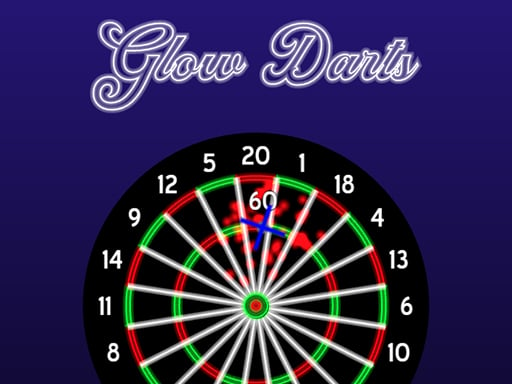
| Glow Darts | Move the dart, click and hold to aim, release | Several game modes in the menu |
If you only try one, make it Darts 501 or Billiard Challenge: both reward patience over reflexes, and both give you all the time you want to line up.
Timing clicks: one button, fast reactions
These still use a single click, but the moment you click is the whole game. They work on a trackpad as long as you tap rather than press the pad down, which is slower.
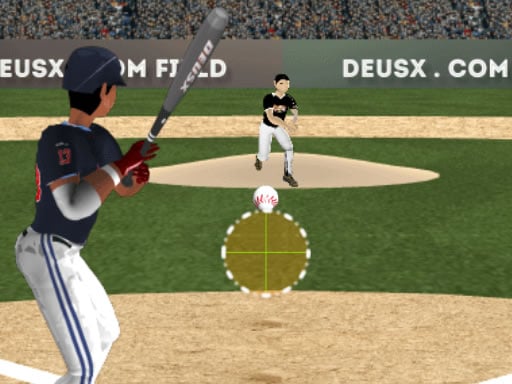
- Home Run Master — tap or click to swing. Pure batting timing.
- Ring Master Legends — click to punch with the glove whose colour matches the falling ball. A miss ends your combo, so accuracy beats speed.
Steering with the pointer: the .io arenas
In these games your character follows the cursor continuously. They are the least trackpad-friendly group here, because you are moving the pointer for the whole round, but they need nothing beyond a mouse. A real mouse makes a noticeable difference to how tight your turns are.
| Game | Steer | Extra click |
|---|---|---|
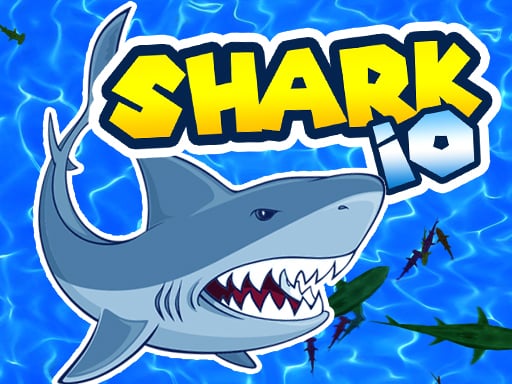
| Shark io | Mouse or touch | None listed — you start small and eat to grow |
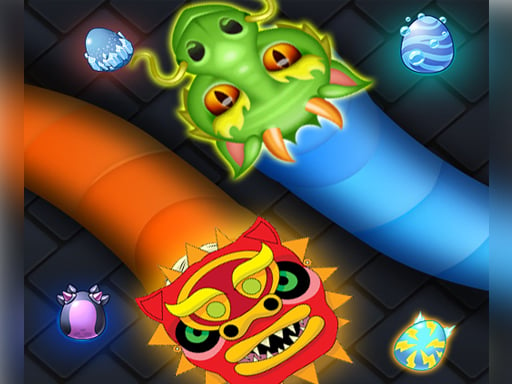
| Slither Dragon.io | Hold and drag | None — eat coloured eggs, never touch a body |
| WormRoyale.io | Mouse | Click to boost; last worm standing wins |
| Limax.io | Mouse | Left click to dash |
| SuperSpin.io | Mouse | Click to boost |
| Color Path IO | Mouse or tap | None — leave your area to draw, return to claim it |
Two worm games on the site, Worms Zone and Wormeat.io, are not in this table because their boost is on the Space bar. They are still mostly mouse games, but you will want a keyboard within reach.
Steering outside the arenas
- Slope Extra — the ball follows the cursor left and right down an endless ramp. It is the only Slope game on the site with no keyboard input at all.
- Giant Snowball Rush — hold and drag to steer a snowball that grows as it rolls.
- Space Destroyer — move the ship with the mouse or touch and click or tap to fire.
- Bandits Bane — move the mouse to aim and click to shoot.
Drag and drop: best on a touchscreen
These puzzles are built around picking something up and putting it down. They are comfortable with a mouse and even better with a finger.
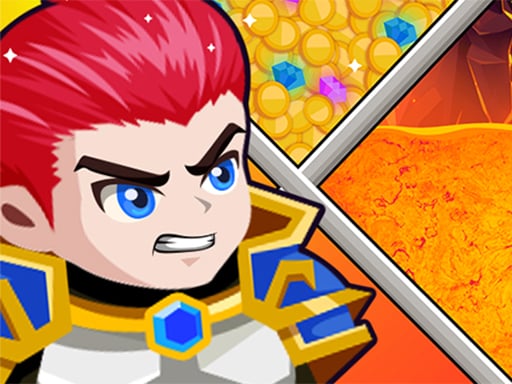
- Hero Rescue Puzzle — drag pins out in the right order to save the hero.
- Parking Puzzle — slide the blocking cars along their own axis to free yours.
- Pixelblock — pick up blocks, drop them on the grid and clear lines.
- Save the Dummy — draw shields, ramps and plugs to protect the dummy.
Two players, one mouse
A mouse-only game can still be a two-player game if the players take turns or share a touchscreen. These are the ones whose pages list a same-device two-player mode.
| Game | How two people share it |
|---|---|
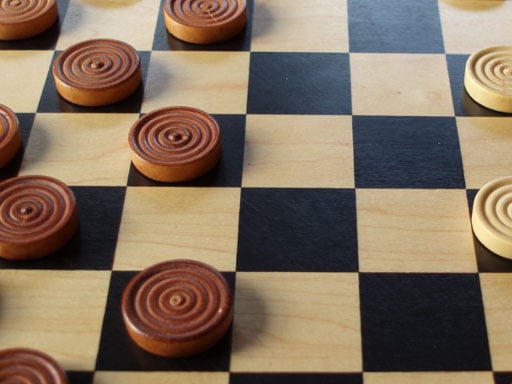
| Checkers | Take turns clicking a piece and its destination; or play the computer |
| Backgammonia | Click to roll and move; two players on one device or against the computer |
| Mischievous Pairs | Take turns flipping cards on the same device |
| Finger Soccer | Drag and flick; two players on one device |
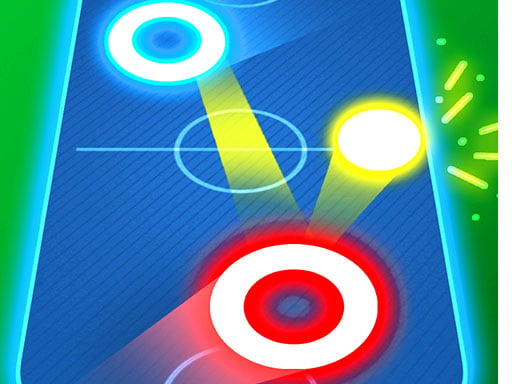
| Air Hockey Glow | Each player drags a paddle — works best on a touchscreen, where two fingers can move at once |
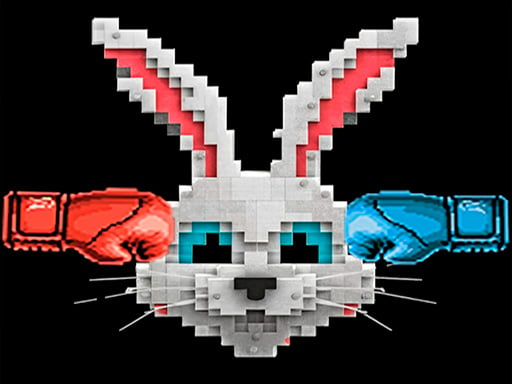
| Rabbit Punch Rabbit | First to click or tap the hare scores; one or two players on the same device |
Air Hockey Glow is the one to note: with a single mouse, only one paddle can move at a time, so on a laptop it is really a game against the computer. On a tablet, two people can play at once.
What is not on this list, and why
Several games on the site accept a click as an alternative to a key — Volley Lama lets each player click their side of the screen, and Jumper Jam also steers with the arrow keys. We left out games where our page lists a keyboard control as the main input, even if a mouse works, because the aim of this list is that you never need to reach for a key. Games that use the mouse for aiming but WASD for movement, such as the shooters, are also out.
If you are looking for games two people can play on one keyboard instead, our two-player keyboard list covers that, grouped by how the keys are split.