Every Soccer Game on PlayTundra, Sorted by How You Play
We have twenty-three soccer games on PlayTundra, and the word "soccer" is about the only thing they all share. One of them is played by fish, one by small cars, one by a player hanging from a rope. Some need two people on one keyboard, some put you online against strangers, and a whole group never asks you to run at all — you only shoot, or only save. If you open one at random you might get a one-key slapstick match or a game with separate keys for passing, tackling and shooting.
So this page sorts them by the question that actually decides which one you want: how are you playing, and with whom? Each group has a table with the keys or input listed on the game's own page and the one thing that sets it apart according to the developer's description. Those control references are matched against the developer's listing using the game's distribution ID, the 32-character code the game is served from, rather than by title. Where our page and the developer's listing disagreed, we followed the developer's listing here.
1. Two players on one keyboard
This is the biggest group and the reason most people come looking for soccer games in a browser. Every game in this table lists separate controls for Player 1 and Player 2 on the same keyboard, and most also let one person play the computer instead.
| Game | Keys listed on its page | What is distinctive (per the developer) |
|---|---|---|
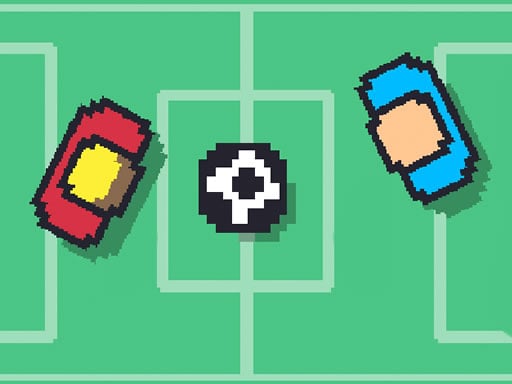
| Soccer Random | Player 1: W. Player 2: Up arrow | One key each; first to five goals wins while the field, players, ball and goal posts change; vs CPU or a friend |
| Soccer Pixel | Player 1: W. Player 2: Up arrow | Retro pixel style; how much you press the key decides how fast your player accelerates; five goals wins |
| 1 On 1 Soccer | Player 1: arrow keys. Player 2: W A S D | Choose a country; 1 or 2 players; most goals before time runs out wins |
| Mini Soccer | Vs computer: Left / Right to move, Up to jump, Z and X to hit. Two players: P1 arrows + Z / X, P2 W A S D + 1 / 2 | Tournament against the CPU or a versus mode with friends; players from top teams; three fields |
| Battle Soccer Arena | Arrow keys to move, Space to kick and slide tackle | Three-a-side between nations you choose, and neither side has a goalkeeper; vs CPU or friends |
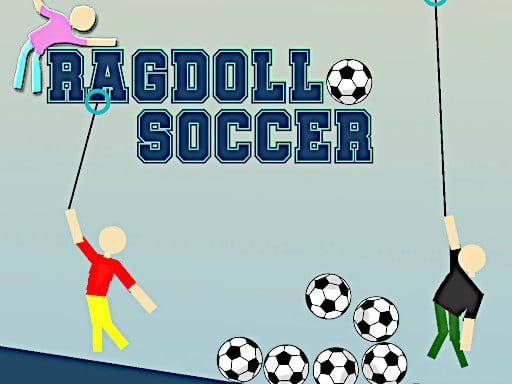
| Ragdoll Soccer | Player 1: W A S D, Space releases the launch rope. Player 2: arrow keys, L releases the rope | Physics-based; a one-player puzzle mode or a two-player match; stay in one piece and score |
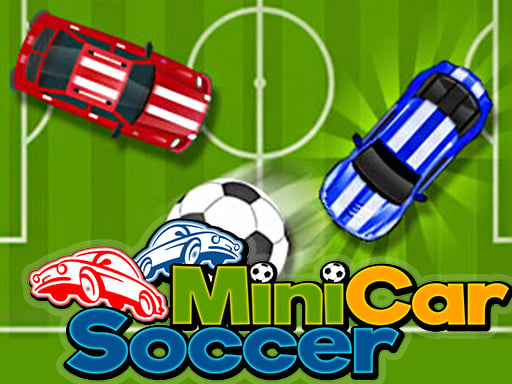
| Minicars Soccer | Player 1: W A S D. Player 2: arrow keys | Seven car models with different speed and handling; large, medium or small ball; three bonus types; five goals wins |
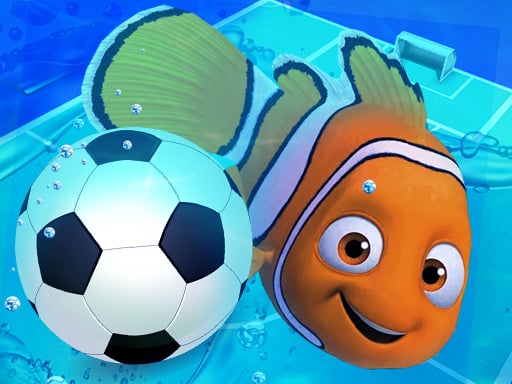
| Fish Soccer | Player 1: W A S D, T for bonus. Player 2: arrow keys, P for bonus | Soccer played by fish; one-player and two-player modes |
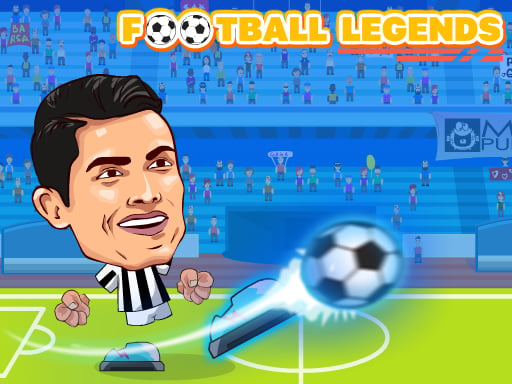
| Football Legends | Both key sets are shown on the in-game controls screen | Pick your favourite team and play a tournament; solo against AI, or with or against a friend |
Soccer Random
Soccer Random is the most-searched page on this site, so it is worth being exact about what its developer actually says. Each player has a single key — W for Player 1, the Up arrow for Player 2 — and the listing describes it as scoring "by using only one key." The goal is to score five goals and win, and what makes it random is that the conditions keep changing: the developer mentions an iced field and a beach, and says the balls, players or goal posts change too. You can play against the CPU or against a friend in two-player mode, and the listing says touch controls work on phones and tablets. That is the whole description; anything beyond it you will find out by pressing W.
How the others differ from it
If you like the one-key idea, Soccer Pixel uses the same W and Up arrow split and the same five-goal target, but its listing adds one control detail: players accelerate depending on how much you press the key, so the one button also sets your speed. It is also the only one in this table whose developer describes it purely as a game against a friend, with no CPU mode mentioned.
The rest give each player a full set of movement keys. 1 On 1 Soccer is the simplest of those: arrow keys against W A S D, a country to pick, and a clock rather than a goal target. Mini Soccer is the one where the key layout changes with the mode — against the computer you jump with Up and hit with Z and X, while in friend mode Player 2 hits with the 1 and 2 keys. Battle Soccer Arena is the only team game here, three against three, and its developer points out the detail that changes everything: there are no goalkeepers. Minicars Soccer and Fish Soccer swap the footballers for cars and fish, and both add bonuses — collectable on the field in Minicars, on a dedicated key (T and P) in Fish Soccer. Ragdoll Soccer has the most unusual input of the group, a launch rope each player releases with Space or L.
Football Legends is the odd one out in this table because its developer listing does not spell out the keys; it says to follow the in-game instructions, and our page points you to the controls screen inside the game. What the listing does say is that you pick a team, enter a tournament, and play solo against AI or with or against a friend. For more same-keyboard games outside soccer, see the two-player section and our two-player, one-keyboard guide.
2. Online and .io multiplayer
Three games are built around playing other people over the internet rather than beside you.
| Game | Keys listed on its page | What is distinctive (per the developer) |
|---|---|---|
| Soccer Battle Online | W A S D to move, K to pass, switch player and tackle, J to shoot; on-screen buttons on mobile | Online multiplayer against real opponents; customize your players' jersey |
| Goal.io | W A S D to move | Three minutes to score as many as you can; reflexes, timing and shooting decide the leaderboard; no sign-up |
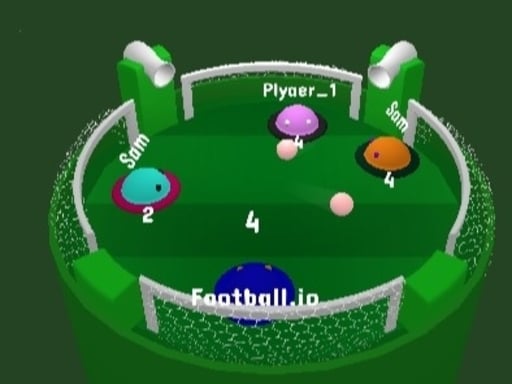
| Football.io | Mouse or arrow keys | Compete with three other players and eliminate them to win |
Soccer Battle Online has the most keys of any game on this page. Passing, switching player and tackling share K, and shooting has J to itself, so it is the one to choose if one-key games feel too thin. Goal.io is the opposite: movement on W A S D and a three-minute clock, with the developer pitching it as reflexes, timing and shooting accuracy. Football.io is the least like a normal match: its listing describes competing against three other players and eliminating them, not scoring against a team. The two .io games also appear in our .io games comparison and the io games section.
Several games in later groups also have an online mode alongside their offline ones: Toy Soccer Cup, Soccer Duel and Penalty Challenge Multiplayer all list real-time or online play.
3. One player against the computer
If you are on your own, you do not have to leave the two-player group. Most of those games list a computer opponent: Soccer Random (against CPU), 1 On 1 Soccer (against the computer), Mini Soccer (a tournament against the CPU), Battle Soccer Arena (against the CPU), Fish Soccer (a one-player mode), Football Legends (solo against AI) and Ragdoll Soccer (a one-player puzzle mode rather than a match). The one keyboard game we keep outside that group is Football Heads.
| Game | Keys listed on its page | What is distinctive (per the developer) |
|---|---|---|
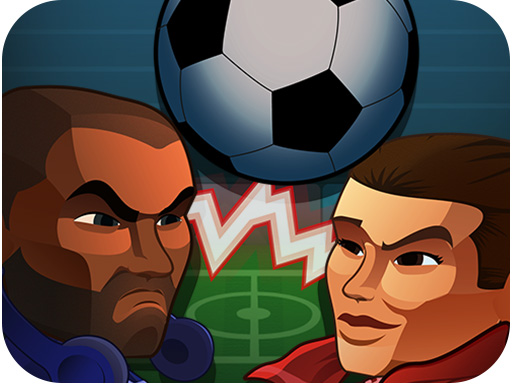
| Football Heads | Arrow keys to move sideways and jump; ball buttons to perform kicks | Score more goals than your opponent in the given time; climb divisions and unlock rewards; random match power-ups and player emotes |
Football Heads is the game here with a progression system: its developer lists divisions to climb and rewards to unlock, plus power-ups that drop at random during a match and an emote system. Its listing does not describe a second player sharing the keyboard, so treat it as a one-player game; if you want a head-to-head on one keyboard, go back to group 1.
4. Shooting, penalty and goalkeeper games (mouse)
These games take one moment of soccer and build a whole game on it. All of them run on a mouse, a drag or a touch, which makes them the right group for a laptop trackpad or a tablet. Several also appear in our mouse-only games guide.
| Game | Input listed on its page | What is distinctive (per the developer) |
|---|---|---|
| Penalty Kick Target | Mouse or tap to aim and kick | Hit the target and don't miss; a one-player game |
| Free Kick Challenge | Swipe (drag with the mouse) to kick | 3D; 90 seconds to score, with more defenders added as you progress; a worldwide leaderboard |
| GoalShot | Click and hold to aim, release to shoot | Handcrafted levels with walls, boxes, moving obstacles and portals; clip at least one star before the goal; limited balls per level |
| Super Goal Keeper | Mouse to click buttons | You are the goalkeeper: dive, jump and stretch to save powerful shots, with new challenges every match |
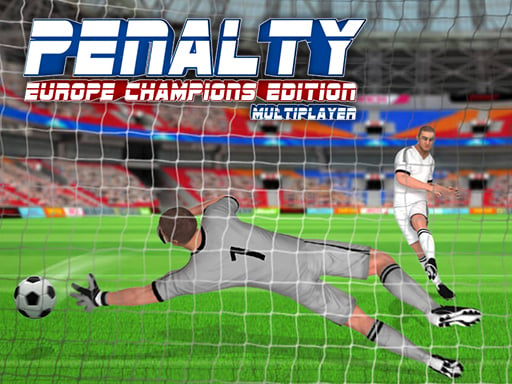
| Penalty Challenge Multiplayer | Swipe to kick; move the mouse or finger to move the keeper gloves | 32 teams; 5 kicks to take and 5 to save; multiplayer, vs the PC, or a friend on the same device |
The split inside this group is shooting versus saving. Penalty Kick Target, Free Kick Challenge and GoalShot are all about the shot, but they ask different things of it: Penalty Kick Target is about placement on a target, Free Kick Challenge is a race against a 90-second clock while the defence grows, and GoalShot is a puzzle where the route — around obstacles, through portals, via a star — matters more than power. Super Goal Keeper puts you on the other side of the ball entirely. Penalty Challenge Multiplayer does both halves of a shootout and is the only game in this group with a two-player option, on the same device or online.
5. Table, flick and finger football
The last group plays soccer as a board or tabletop game. You are not running a player around the pitch in real time; you are lining up a flick, a cue-style shot or a row of fixed players.
| Game | Input listed on its page | What is distinctive (per the developer) |
|---|---|---|
| Toy Soccer Cup | Drag back and release to flick; touch drag on mobile | Tabletop-style, taking turns; Quick Match vs CPU, Tournament, 2 Players on one device, Online Multiplayer; three goals or lead at the end wins |
| Finger Soccer | Drag and flick with mouse or touch | 2D with realistic ball physics; single player, 2 player, tournament, penalty shootout, World Cup and Career modes; character customization |
| CueSoccer | Mouse click or tap | Billiards precision combined with football rules; aim and control the angles |
| Soccer Duel | Mouse, or tap on mobile | Tabletop arcade 1v1 matches; 32 national teams; vs AI, two players on one device, online, tournament, penalty shootout |
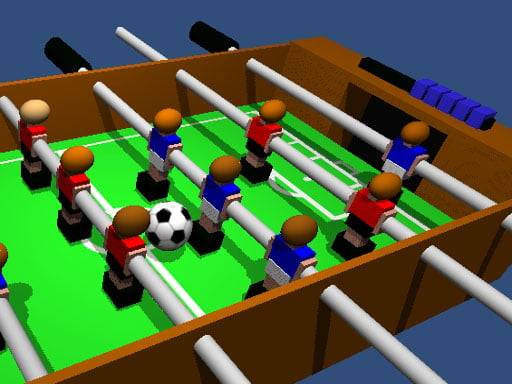
| Table Football | Play on one device, vs the computer or a friend | The classic tabletop game; the first player to ten goals wins |
Toy Soccer Cup and Finger Soccer are both drag-and-flick games, and the difference is in the modes: Toy Soccer Cup has an online mode and a shop for kits, balls and pitches, while Finger Soccer has World Cup and Career modes and penalty shootouts. Soccer Duel has the widest mode list in this group — five ways to play and 32 national teams. CueSoccer is the most deliberate, borrowing its aiming from billiards. Table Football is the longest match on this page by target, with ten goals needed to win.
Where to start
- Two of you, one keyboard, no time to learn controls: Soccer Random. One key each, first to five goals. If you want the same one-key layout with more control over speed, try Soccer Pixel.
- Two of you, and you want proper movement keys: 1 On 1 Soccer for the plainest version, Mini Soccer if you also want a separate hit key and three fields, Battle Soccer Arena for three-a-side with no keepers.
- Two of you sharing a tablet or one mouse: the turn-based or same-device games — Toy Soccer Cup, Finger Soccer, Soccer Duel, Table Football or Penalty Challenge Multiplayer.
- On your own, keyboard: Football Heads if you want divisions to climb, or any group 1 game with a CPU mode.
- On your own, mouse or trackpad only: GoalShot for puzzles, Free Kick Challenge for a timed score chase, Super Goal Keeper if you would rather save than shoot.
- Against people online: Soccer Battle Online for a game with passing and tackling keys, Goal.io for a three-minute burst.
The rest of our sports games, soccer and otherwise, are in the sports section.
How this page was put together
We did not rank these games by playing them, and we are not claiming scores or match results. What this page does is line up facts that are already on the twenty-three game pages — the controls, the modes and the win conditions — after those facts were checked against the developer's listing for each game's distribution ID. Where one of our pages said something the developer's listing did not support, this guide follows the developer's listing. Each embed was also re-checked from a server in the United States on the date shown at the top. If a game changes, its entry here will be updated when its page is.